Hi guys, I’m Shikhar or better known as 5h1kh4r. I am the organizer of OSCTF and I am proud to announce that it was the first CTF competition organized by me and it was super successful with 1700+ registrations. From this post onwards I’ll be posting writeups to the challenges I authored. This post is about the forensics category. I had authored 6 challenges in there which were named as follows:
1. The Lost Image Mystery
2. The Hidden Soundwave
3. Mysterious Website Incident
4. Cyber Heist Conspiracy
5. Phantom Script Intrusion
6. PDF Puzzle
So what’s the wait for, let’s begin with the writeups!
1. The Lost Image Mystery
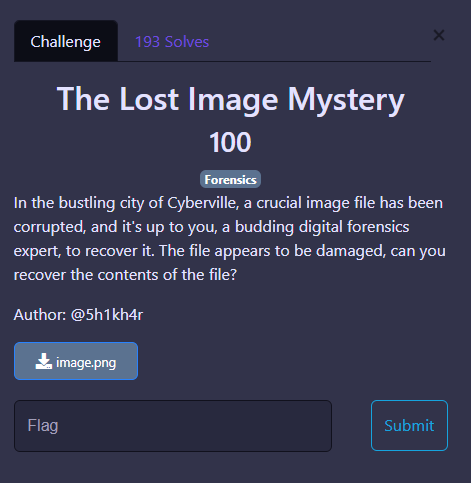
This challenge had 193 solves. This was a pretty straight-forward challenge. The participant is presented with an image.png file, but it just doesn’t seem to open.

Windows being windows. But it’s not a problem with windows when you open the image in an hexeditor (I used hhd) You will notice that it’s actually a (broken) jfif header and not a png header.
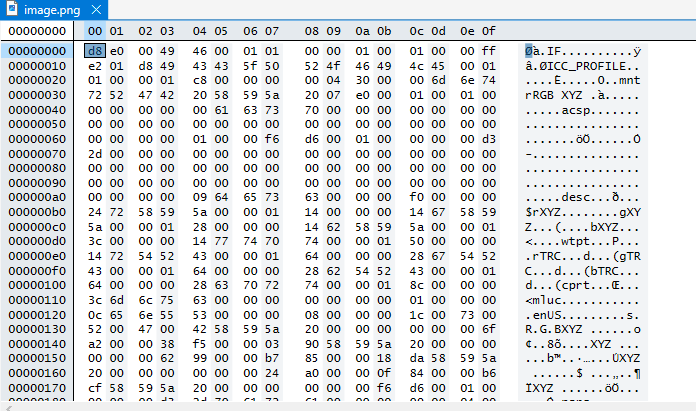
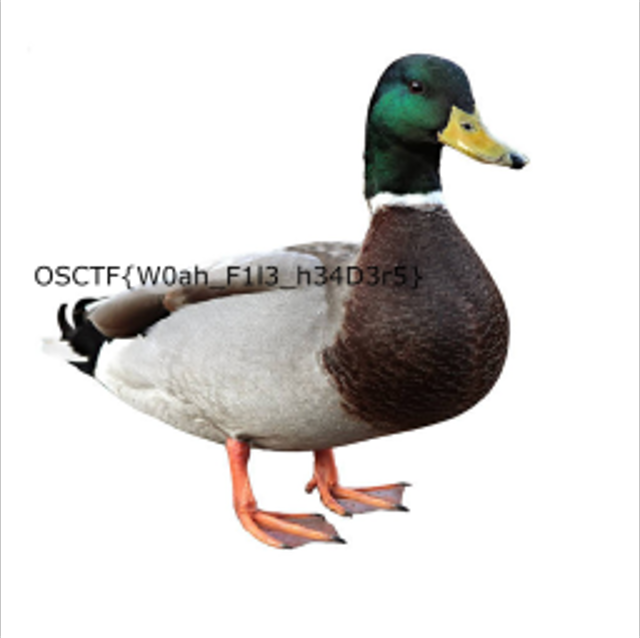
If you google magic bytes for jpeg or jfif images you will get to know that the first 12 bytes (in hex) for jpeg images go as follows: `FF D8 FF E0 00 10 4A 46 49 46 00 01` In the image given you notice that the first 12 bytes are: d8 e0 00 49 46 00 01 01 00 00 01 00 01 from which some of the hex bytes match the actual magic bytes of jpeg images. So you just use the hex editor to edit in the correct hex values and you get the image repaired. Yay! After editing the bytes in don’t forget to save and then also change the extension from .png to .jpeg and then you will get the flag.
2. The Hidden Soundwave
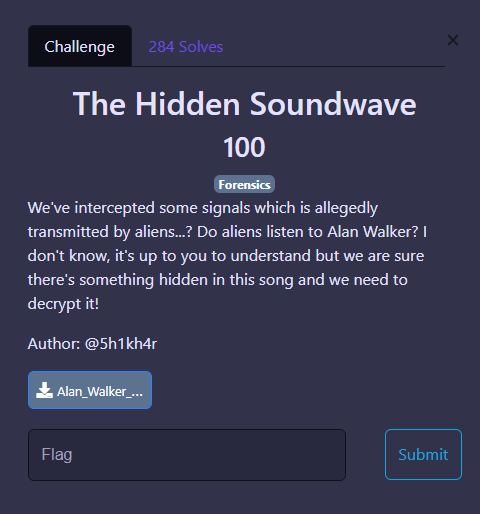
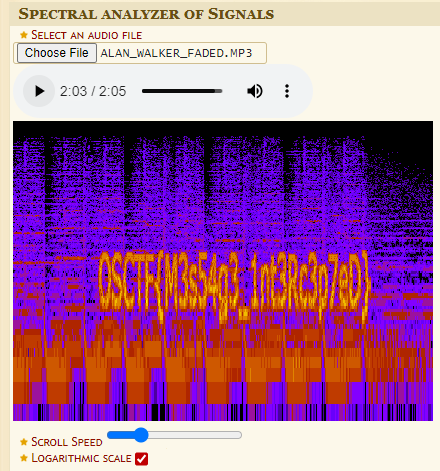
For this challenge the participant is given a song. The song is faded by Alan Walker (it’s a good song to vibe to btw). Once you start listening to the song, you get attached to it…. Alan Walker is so good. *cough cough* I’m going off track. Right so getting back to the challenge, when you listen to the song, in the beginning it is all ok but by the end it gets weird. This is a unique way of hiding messages in audio files in which you hide data in the audio spectrum and the message is drawn as a pattern of the audio frequencies (not the most accurate description of this but it works ig). I used this online website to view the audio spectrum, you are free to use whatever you like for example: audacity, sonic visualer, anything you want to. The tool I used is https://www.dcode.fr/spectral-analysis and once you put the file in and scroll that seekbar right to the end of the audio file you will get the flag which is quite readable on this site but I think looks better on audacity.
3. Mysterious Website Incident
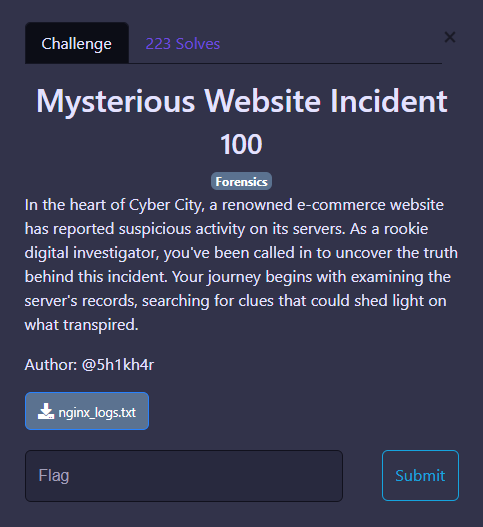
For this challenge you are presented with a logs file which seems like the logs file for a website. You can open that login file in nano, vim or like I did in notepad and then you can just scroll and look through the log file manually and then you find this google drive link which says my_secret

I know the text is not readable but it just says my_secret along with a google drive link. I am pasting the google drive link here and you can view it. https://drive.google.com/file/d/15IwD7QiSKtvmW7XG2gYkdnwW0bxXBgdj/view?usp=drive%5Flink
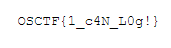
After navigating to the link you will get your beloved flag!
4. Cyber Heist Conspiracy
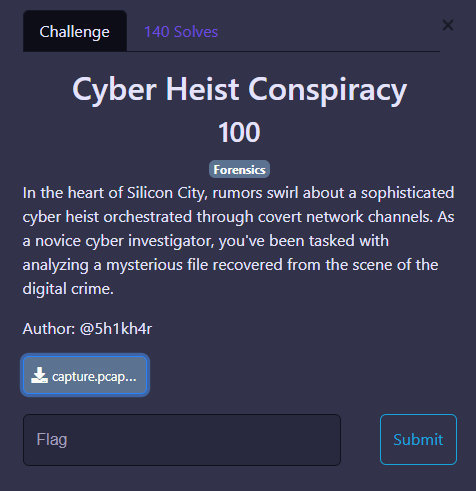
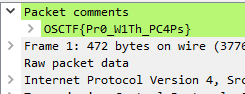
This is a challenge whose description I didn’t like alot but I found it to be ok~ish. But anyways for this challenge you are provided with a pcapng file so with first instinct you open it in wireshark and it contains alot of garbish (garbage + rubbish). Don’t let this garbish distract you (Kids never get distracted in life, focus on your goal). And if you see carefully in the first packet itself, there is a comment.

You have to open the packet comment and you will get the flag!
5. Phantom Script Intrusion
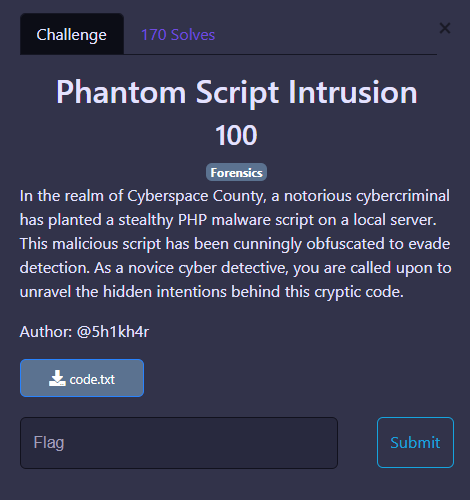
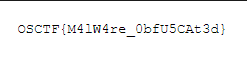
This was one of the challenge which I am surprised at to have so many solves. I didn’t expect this challenge to have so many solves honestly. For this challenge you get a code.txt file and when you open it you get some obfuscated php code.

You can use any website online or chatgpt to get this code deobfuscated. I preferred using this one: https://www.unphp.net/ It gives you the code fully deobfuscated without any fuss. Just click one button and boom. This is the deobfuscated php code.

In this code you would notice a url which leads to shorturl. I expected alot of people to do facepalms here after trying to put in sh0rturl as the link instead of shorturl but I guess you people are super smart. This is the fixed link https://shorturl.at/s1fW2 You just replace the XX by “tt” and the 0 in sh0rturl to “o” after doing these fixes you will be redirected to a google drive page where you would get your flag!
6. PDF Puzzle.
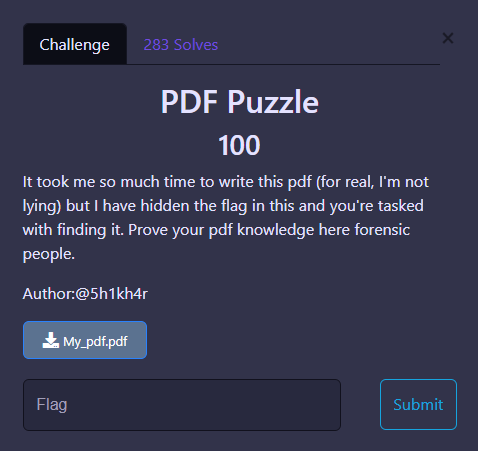
This chall also had alot of solves. For this chall you are a given a pdf file which looks like follows:
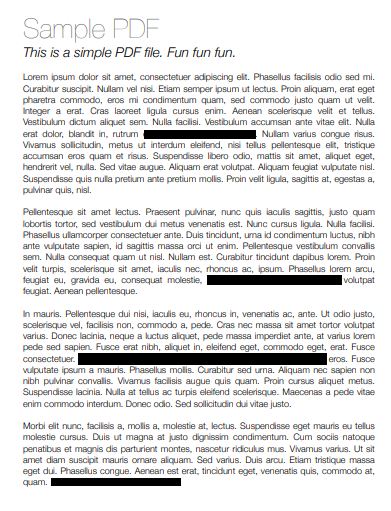
Don’t worry it’s again alot of garbish. I lied when I said it took me alot of time to write the pdf LoL. Now any participant would try to copy the text or just try to view the text behind the Black color in some way or the other but for solving this challenge, that is not the solution. In fact if you try to do it you will just end up seeing random non-sense instead of the flag. To get the flag you have to see the metadata of the pdf. You can use any tool again for viewing the metadata as many websites are available online and as well as many tools are available for this purpose too. In the author’s field you will get the flag.

That’s it with the forensics writeups from my side. I hope y’all liked the challenges. Thank you for reading! Happy Hacking